Help
Quick answers. Still stuck? In the app go to Settings › Help and contact › Send us a message, or email [email protected].
How-to videos
Stuck on the round? Each one shows one job in RoundTap, with Rory talking you through it.
Quick how-tos
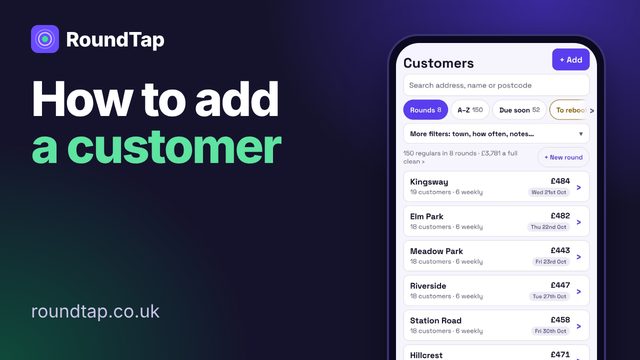 Add a customer35 sec · opens YouTube
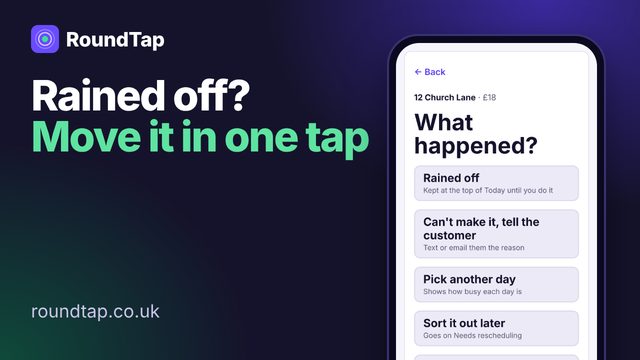 Move a rained-off job or day30 sec · opens YouTube
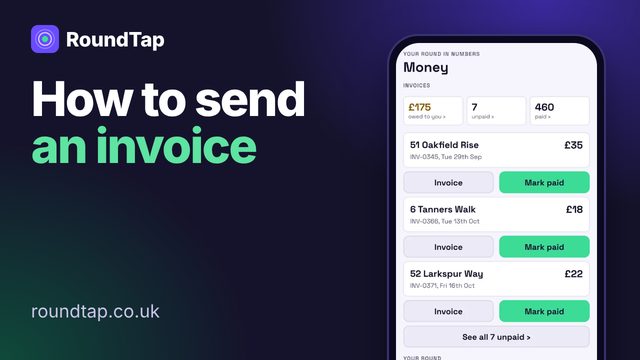 Send an invoice30 sec · opens YouTube
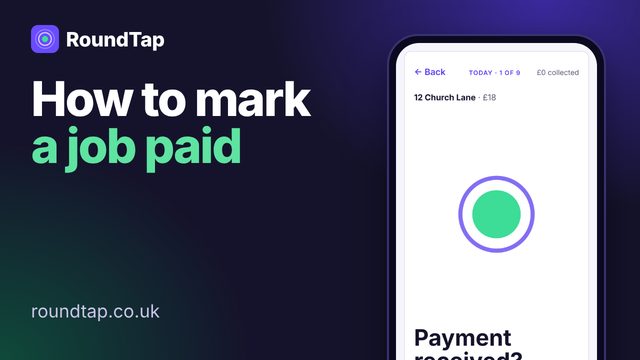 Mark a job paid20 sec · opens YouTube
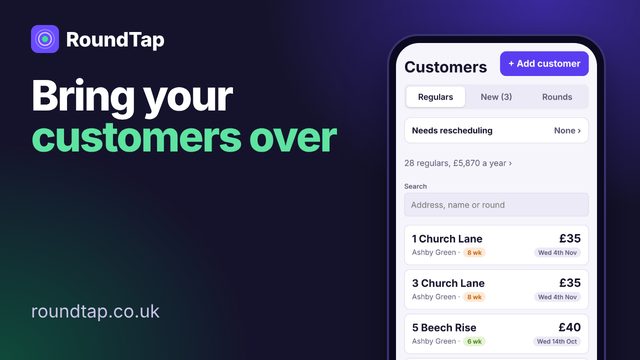 Bring your customer list in35 sec · opens YouTube
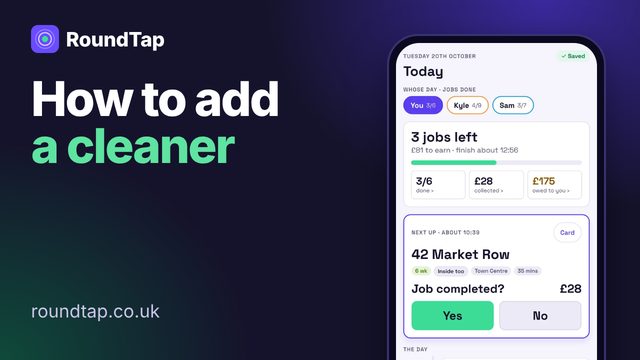 Add a cleaner to your team30 sec · opens YouTube
Tutorials
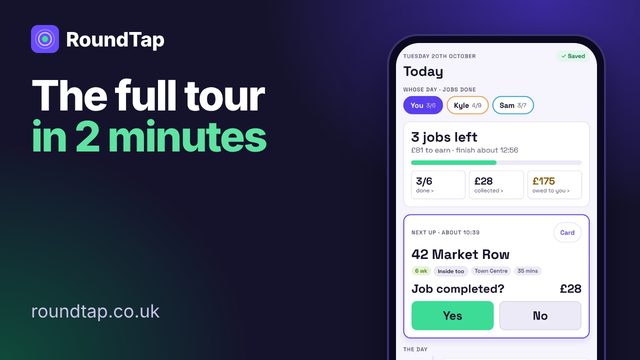 The full tour
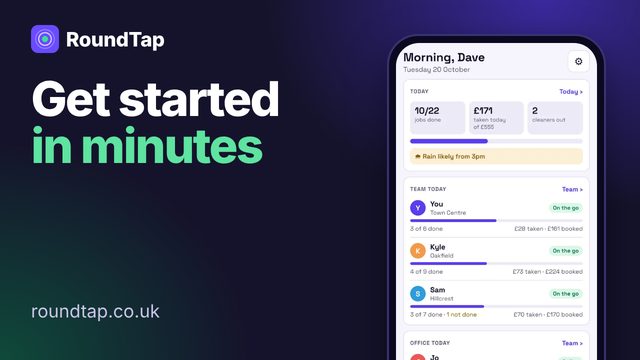 Getting started
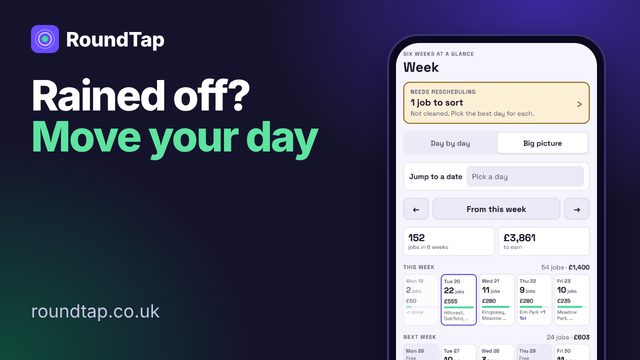 Rained off? Move your day
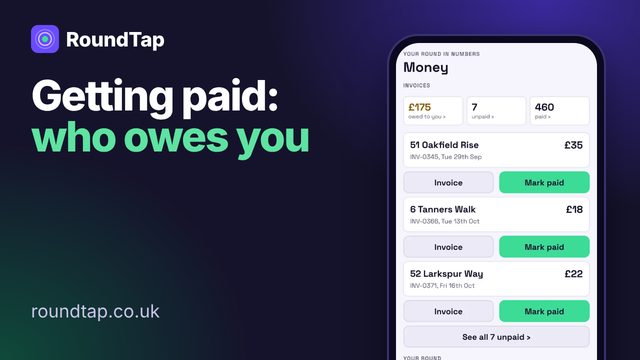 Getting paid
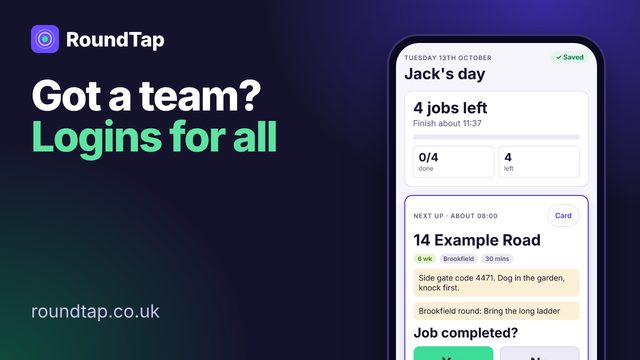 Running a team
Video guides
Short videos of the real app, with made-up customers. Tap one to play.
Getting started
How do I start?
Download RoundTap, tap "Start my free 30 days" and practise with made-up customers for as long as you like. When you're ready, tap "Stop practice and add my customers".
How do I bring my customers over?
Settings › Bring your customers over › Import customers. A spreadsheet (Excel or CSV) works, from Squeegee, CleanerPlanner or anything else. Or send us your list and we'll set it up for you.
What is a round?
A group of customers you clean on the same day, like a street or an estate. RoundTap books each customer's next clean from how often they have it (4, 6 or 8 weeks).
What's on Home?
Home is the first screen for the manager and office staff: today's jobs, your team's day, anything that needs you, this week at a glance, and a button for every part of the app. Put your postcode or town in Settings › Your working week and it shows the chance of rain too. Office staff see job prices but not the business's totals. Window cleaners on your team open straight on Today.
Your day
How does a job work?
Three taps: job done? paid? invoice? The next clean books itself on the right week.
How do I mark a job done?
On the Today tab, tap the customer. It asks "Job completed?" (or "First time clean done?" on their first visit). Tap Yes, then answer "Payment received?" and "Invoice required?", and their next clean books itself. Customers who pay by Direct Debit skip the payment question. Tapped No? Pick what happened, like "Rained off" or "Pick another day". Tapping someone on the Customers tab opens their details card instead, not the job. Cleaners on your team stop after "Payment received?": the manager sorts out invoices.
It's raining. What do I do?
On the job, tap "Rained off". Rained-off jobs stay at the top of Today until you get to them. Can't work at all today? Tap "Can't make it today? Tell customers", pick the reason. RoundTap writes the message; send it to each customer.
Can I move a whole day or round?
Yes. On Week, tap "Move day" or "Move round". On a computer, just drag the round to another day.
Do I work bank holidays?
By default RoundTap treats England and Wales bank holidays as days off, so nobody gets booked on one. Work them? Settings › Your working week › Bank holidays › "I work them". Christmas Day, Boxing Day and New Year's Day are never booked either way. Work weekends too? Settings › Your working week › Weekend working › "Include Sat and Sun".
What about gutters and other extras?
Send a quote for the extra. Do it with their next clean, book it on its own day, or put it on "Extras to book" for a quiet day.
No signal?
Keep working. Everything saves on your phone and goes to the server once you've got signal again.
Customers
A customer has stopped or moved house. What do I do?
Open their card and tap "Customer cancelled". They come off your rounds but stay in the Paused tab on Customers with their history, so you can bring them back later: open their card and tap "Bring back". Away for a while? Tap "Pause" instead.
How do I delete a customer?
Open their card, tap "✎ Edit details", scroll to the bottom and tap "Delete this customer", then tap again to confirm. Use this for duplicates, or if a customer asks you to remove their details. If they've never had an invoice or paid you, the whole card goes. If they have, their name, phone, email, notes and photos are deleted for good, but their invoices and paid jobs stay for your records with the street name only, so your money totals and tax year stay right. It can't be undone.
What are the tabs on Customers?
Rounds (your rounds folded up: tap one to open it), A–Z, Due soon (the next 7 days and anything overdue), To rebook (waiting for a new day), Owe money, New (first visits) and Paused (paused and past customers). Some tabs only show when someone is in them. The search box at the top finds anyone by address, name or postcode, and "More filters" narrows the list by town, how often, or lists like "Gate code or access note", and sorts it.
How do I change a customer's details?
Open their card and tap "✎ Edit details". Everything is on that one page: address, name, phone, email, price, how often, notes and photos. Tap "Save changes" when you're done.
How do I send a quote by text or WhatsApp?
Open their card and tap "Send a quote". Tap "Copy quote to send": the quote is written for you, so paste it into WhatsApp or a text and send it from your own phone. Got their email? Tap "Email quote" instead: it goes with an Accept button, and your phone chimes when they tap it. Said yes by text or in person? Tap "They said yes" and pick the day for their first time clean. For an extra for a customer you already have, like gutters, tap "Send a new quote" on their card.
Can customers get a receipt when they pay?
Yes. Open their card, tap "✎ Edit details" and switch on "Email a receipt when they pay" (it only shows once they have an email address). It's off for everyone to start with, so customers only get an email when they owe you money. You can still email any invoice or receipt by hand: open it and tap Email.
Money
How do customers pay me?
However they like: cash, bank transfer or Direct Debit. RoundTap keeps track of who has paid and who owes. We don't add a fee to your payments. GoCardless charges its own fee and pays RoundTap a small share of it.
Can customers pay by Direct Debit?
Yes, through your own GoCardless account, so the money goes straight to you. Connect it in Settings › Getting paid › Connect GoCardless, then open a customer's card and tap "Set up Direct Debit" to text or email them GoCardless's page. Once it's set up, each clean is normally collected after it's done (GoCardless charges you a small fee per payment). The full guide: Direct Debit with GoCardless.
Can I pay for RoundTap by Direct Debit?
Yes. Log in on a computer at roundtap.co.uk/app and choose Settings › Your account › Pay by Direct Debit. It's the same price as the app stores, and it covers the phone app too: log in on your phone as usual. Founding places are held for 1 hour while you finish setting up. It's taken monthly or yearly, with a receipt by email each time, and you can cancel any time in Settings. If you already pay through Google Play or the App Store, cancel that in the store first; you can set up Direct Debit once your paid time there has ended, so you never pay twice.
A Direct Debit failed or was cancelled. What now?
You'll see a note on Today and under "Needs you" on Home, and the invoice stays owed. Open the invoice and tap "Try the Direct Debit again", or ask them to pay another way. If they cancelled their Direct Debit, open their card and tap "Set up Direct Debit again".
I already use GoCardless. Do I start again?
No. Connect your account, then Settings › Getting paid › "Bring in Direct Debits you already have". Pick which customer each one is and tap Match.
What is Pay by Bank?
If you connect GoCardless, a customer can pay one invoice straight from their banking app, there and then, through GoCardless. Open the invoice and tap "Send a Pay by Bank link", or just email the invoice: it has a "Pay by bank" button on it. They approve the payment in their own banking app, and it shows as paid once GoCardless confirms it. Customers who pay by Direct Debit don't get the button: theirs is collected by itself.
Can I keep track of my costs and mileage?
Yes. In Money, under "Costs and mileage", add costs like fuel, insurance or tools, and the business miles you drive each day. Money shows this tax year's costs and what they come to for each hour on the job. Only the manager login sees them.
Does RoundTap do Making Tax Digital?
RoundTap isn't MTD software and sends nothing to HMRC. Its spreadsheets (the tax year, and each tax quarter) are for your accountant or bridging software. Not tax advice. In Money, under "For your accountant", download the tax year (money received, work done, costs, miles and the mileage allowance) or a tax quarter (6 April to 5 July, 6 July to 5 October, 6 October to 5 January, 6 January to 5 April) for the whole business. No spreadsheet app? Tap "View / print summary" for the same figures on one page. Settings › Tax, costs and mileage takes you straight there.
Can I change an invoice?
Yes, if it hasn't been paid. Open the invoice (Money, or the customer's card) and tap "✎ Edit invoice". You can change each line's wording and price, add or take off lines, the date, how long they have to pay, the thank-you line and who it's to. The invoice number stays the same and the total, VAT and what they owe update. If it had already gone to the customer, RoundTap asks if you want to send the changed one. Paid or part paid invoices, ones being collected by Direct Debit and ones made by a plan can't be changed (change the plan instead). Team members can't change invoices: the manager and office staff can. Phones get this in the next app update; the computer version has it now.
Can I email invoices and quotes?
Yes, from the app. Quotes have an Accept button. Next time you open RoundTap, it shows you they said yes.
Your team
Can my team use it?
Yes. Give each team member their own login. Cleaners only see their own jobs and never see prices or totals. Office staff can do the paperwork. Up to 10 people for £15 a month, 20 for £30, 30 for £45.
Is there a computer version?
Yes. Go to roundtap.co.uk/app and log in with the same email and password. It's for the manager and the office. Cleaners use the phone app.
I see "Old logins not on your team". What is that?
In Settings › Team and extras, these are logins that still work but whose person is no longer on your team list. Tap "Remove login" (tap twice) for any you don't need, so nobody can log in with them, or "Put back on team" if they should still be there.
Your account
What does it cost?
£15 a month for up to 10 people, everything included. Or pay yearly: £150 once a year, £30 less than 12 monthly payments. The first 50 businesses in each trade to subscribe pay £10 a month, not £15, for as long as they stay subscribed (one trade, up to 10 people). Free for 30 days, no card needed.
I run more than one trade. What does it cost?
More trades cost less each (multi-trade discount). The full price list, a month or a year:
| Trades | Up to 10 people | 11 to 20 people | 21 to 30 people |
|---|---|---|---|
| 1 trade | £15 a month or £150 a year | £30 a month or £300 a year | £45 a month or £449.99 a year |
| 2 trades | £25 a month or £250 a year | £50 a month or £500 a year | £75 a month or £749.99 a year |
| 3 trades | £35 a month or £349.99 a year | £70 a month or £700 a year | £104.99 a month or £1,000 a year |
| Founding, 1 trade | £10 a month or £100 a year | £20 a month or £200 a year | £30 a month or £300 a year |
| Founding, 2 trades | £17.49 a month or £174.99 a year | £35 a month or £349.99 a year | £52 a month or £519.99 a year |
| Founding, 3 trades | £25 a month or £250 a year | £50 a month or £500 a year | £75 a month or £749.99 a year |
These are the exact prices you pay. Where an app store has no matching price we've rounded down to the nearest one it has. Add or remove a trade in Settings › Trades. Adding one by Direct Debit takes the difference for the rest of the month (or year) you've paid for. Removing one lowers the price from your next payment, with nothing paid back.
Lost your phone or forgot your password?
On the log in screen tap "Lost your phone or password?" and choose "By email". We'll email you a code. Log in on your new phone and everything comes back.
Why should I confirm my email?
Until you do, RoundTap won't email your customers: no invoices, quotes or reminders by email. Go to Settings › Your account and look for "Confirm your email". Tap "Send me a new code" (or "I've got the code" if one came when you signed up) and type the 6-digit code we emailed you. Check your junk folder too. No box there? Your email is already confirmed.
Can I lock RoundTap with Face ID or my fingerprint?
Yes, on the phone app. In Settings › Your account, switch on Open with Face ID (or Touch ID, or fingerprint, whichever your phone has). Then choose "Ask again after": "Every time", 5 mins, 30 mins or 1 hour. Away from RoundTap for longer than that and it asks again. Wet or gloved hands? Tap "Use my phone PIN". Set up a fingerprint or face on the phone itself first. The computer version logs you out when it's not used instead.
Can I take my data with me?
Yes, any time: Settings › Your account › Download my data gives you a spreadsheet of your customers and invoices. If you ever leave, you're offered a spreadsheet of your customers, rounds and invoices before anything is deleted.
How do I delete my account?
In the app: Settings › Your account, then scroll down and tap "Delete my account". Or see delete my account.